If a recent purchase is missing after you sign in, first check how you bought it. A non-member quick purchase has a different tracking entry point from an ordinary member order.
Atomy Korea’s guide directs members to the shopping mall’s My Atomy delivery enquiry. For quick purchases, it says to return through the quick-purchase URL.
Find your existing purchase, not a new sales link
Look in the message or order information you saved when buying. A newly shared product link from another person is not automatically a route to your past order, even when it shows the same product.
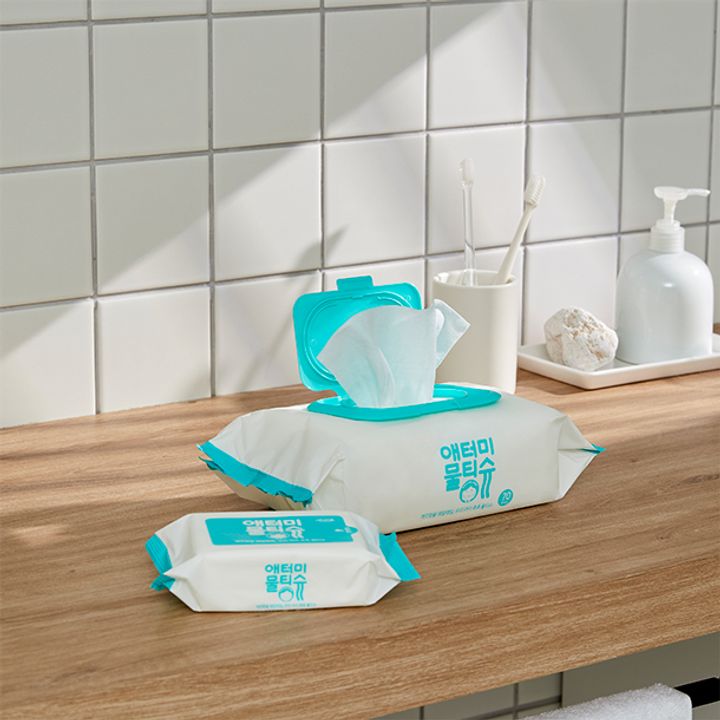
After opening the correct route, compare the date, amount and quantities. Last month’s wet-wipe order and this month’s can have identical names but different tracking records.
If the original URL is missing or does not work, contact the official Korean customer centre at 1544-8580. Prepare the payment date, amount and purchased items, and ask how to locate that quick-purchase order.
Do not give a helper your password, card security code or verification code to perform the search.
Then move to parcel tracking
Once the order is identified, check which products belong to each shipment. One delivered tracking number does not establish that every item in a larger order has arrived.
If no order has been located yet, guessing a courier is unlikely to resolve the missing purchase record. Establish the purchase first, then investigate its shipment.
Creating a membership is not promised here to transfer past quick purchases automatically. The public guide establishes the enquiry routes; any account-linking issue needs an answer for your specific order.
Save the working order reference privately once you find it. That is a useful record for a later delivery or return enquiry, without having to reconstruct the purchase from a generic product page.
Source note
Atomy Korea quick-purchase and delivery enquiry guidance, checked on 7 September 2026.