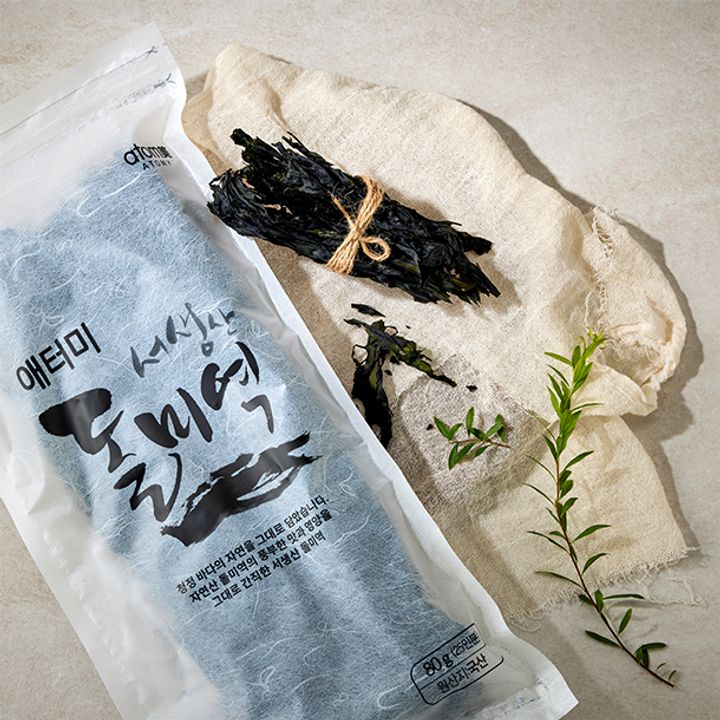
The cancellation guide on Atomy Korea’s product pages says partial order cancellation is not available. It describes cancellation while an order is at the order-completed or payment-pending stage. That is different from requesting a return after delivery.
Start with the actual order status
For a member purchase, open the shopping mall, then My Atomy and Orders/Delivery. Find the specific order rather than relying on the confirmation email’s earlier status.
Suppose the order contains A, B and C, but you no longer want C. If the order is still eligible, the available approach may be to cancel the whole order and place a new order for A and B. Do not assume the system will remove C while preserving every other part of the original transaction.
Before reordering, check:
- Whether A and B remain available.
- Whether the coupon can be used again.
- Whether the smaller basket changes delivery charges.
- Whether cancellation has actually been confirmed.
An unavailable coupon or a changed delivery charge can make the replacement order cost different from the original two items’ subtotal.
Avoid creating a second shipment
Do not place the replacement order merely because you have submitted a cancellation request. First confirm what happened to the original. Once preparation has advanced, customer support needs to explain the available handling for that order.
The Korean quick-purchase guidance directs non-member buyers to the customer centre at 1544-8580. Have the order reference ready, but share personal order details only through the official support channel.
This article describes the published shopping workflow. It does not decide a buyer’s statutory rights or transfer Korea’s cancellation process to another Atomy market.
Source note
Atomy Korea cancellation guide on the seaweed product page, checked on 7 September 2026.